
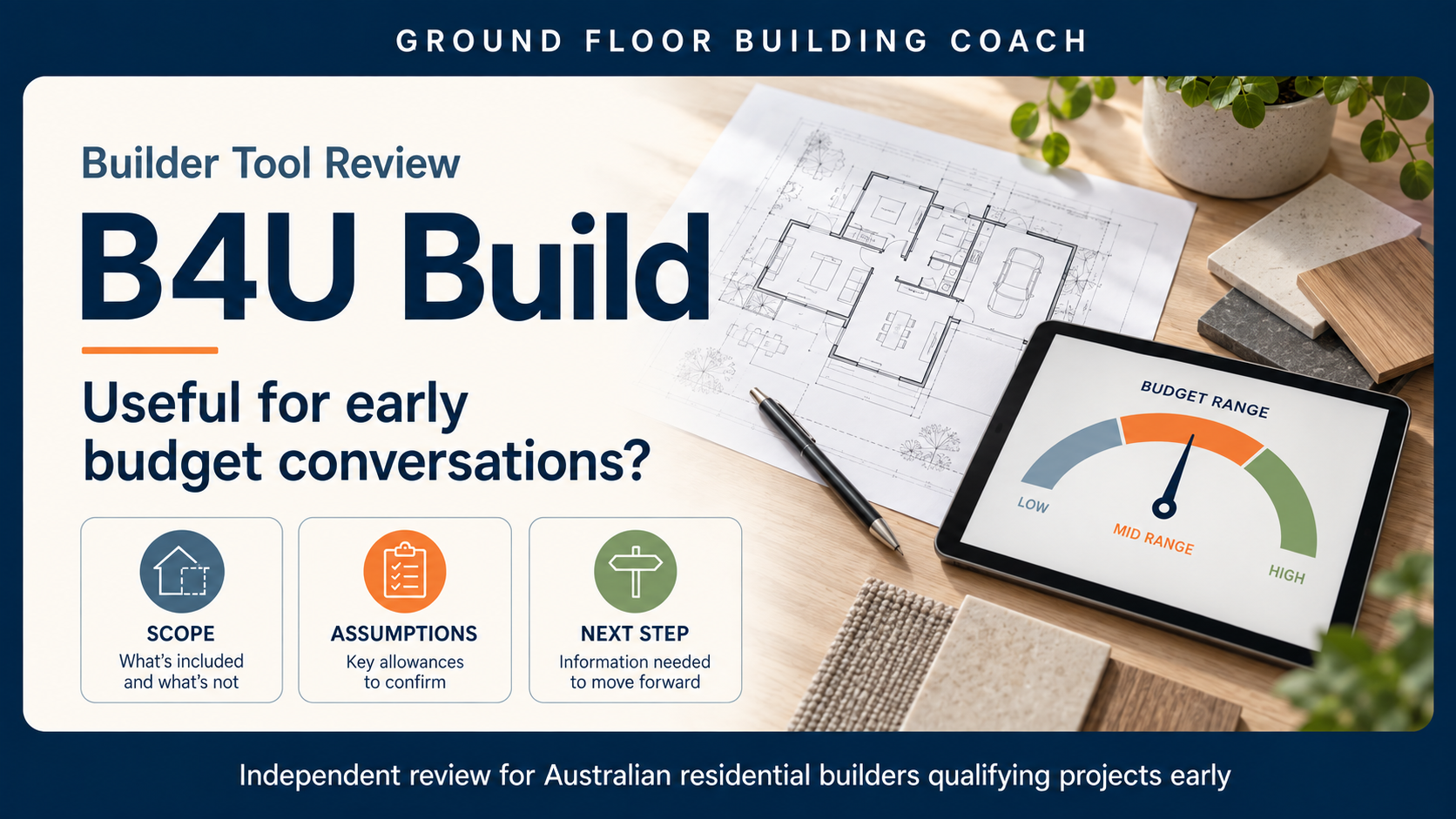
B4U Build review for builders: B4U Build is worth a look if you want a better way to talk about budget with prospective clients before spending days pricing a job—or watching the client spend thousands designing something they cannot afford.
It is not a detailed estimating system and it does not price completed drawings. Think of it as an early budgeting and client-qualification tool: useful for testing whether the client’s ideas and budget are broadly in the same neighbourhood.
The value is not pretending the first number is a quote. It is getting the builder and client into the same budget conversation before more time and money are committed.
Quick B4U Build review verdict
Best fit
Early enquiry, client qualification and design-budget conversations.
Main caution
It works from selections and assumptions. It does not measure finished drawings or replace detailed estimating.
Ground Floor view
Useful for the right workflow—after the builder calibrates it, tests it and explains the assumptions clearly.
What is B4U Build?
B4U Build is an Australian web-based budgeting tool for renovations, extensions and new homes. The user selects the project type, rooms, features and level of finish, and the system produces an indicative budget and downloadable project brief.
The standard process works from selections and assumed room sizes rather than measurements taken from drawings. B4U Build itself describes the result as a ballpark figure rather than a detailed price list. (How B4U Build works)
Builders can use it internally, share a client link or—depending on the plan—embed a branded version into their website as a lead-qualification tool.
What did we think of it?
We spent time using the builder portal and project workflow, then received a guided tour of the builder-specific setup.
It was straightforward to use, and we could immediately see its value as part of an early client conversation. The portal stores estimates, lets the builder revise them and keeps successive versions. That means it can remain useful as a design changes, rather than producing one number at the first enquiry and then disappearing.
We did not compare its results with completed estimates or contract prices, so we cannot independently confirm its pricing accuracy.
The best way for a builder to use it
The website-embedded version may help filter enquiries without much builder involvement. However, we think the stronger use could be working through it with the client.
A practical process might be:
- The client submits an enquiry.
- You have a short call to understand the project and their expectations.
- You sit down together and enter the project into B4U Build.
- You discuss the rooms, finish level, site factors, assumptions and exclusions.
- You decide whether the project is ready to move into paid preliminary work, design development or detailed estimating.
That gives the client an early reality check, but it also gives the builder another useful meeting instead of simply emailing a calculator link. If the design changes later, you can revise the estimate and show how those decisions have affected the budget.
What stood out
It can be calibrated to the builder
B4U Build demonstrated controls for adjusting room costs, build-quality calculations, site factors, project types, budget ranges, disclaimers and additional spaces. Its onboarding can use several previous projects and the builder’s preferred pricing and margin position.
That makes the product more relevant than a generic square-metre calculator. It also creates a responsibility: if your estimating records or commercial assumptions are poor, you could calibrate the tool to the wrong answer.
It can help qualify clients earlier
The system is designed to identify whether a client’s project expectations are reasonably aligned with their budget before the builder commits substantial time to detailed pricing.
That does not mean every client above the initial budget should be dismissed. The estimate may instead start a useful discussion about reducing the scope, changing the specification, staging the work or increasing the available budget.
It supports an ongoing budget conversation
Saved estimates and revisions make it possible to revisit the budget as the brief develops. For design-and-construct builders in particular, that could help keep the design and budget connected instead of discovering the gap at the end.
What should builders be cautious about?
It is built on assumptions
The workflow we inspected did not include a plan uploader, scale calibration, drawing measurements or an on-screen take-off. The result depends on the selections made and the pricing assumptions behind them.
That is fine if everyone understands its purpose. It becomes a problem if the client treats the result as a quotation or the builder assumes the system has allowed for details it could not know.
Accuracy will vary
Actual building costs are affected by location, access, site conditions, engineering, design complexity, specification, trade rates, preliminaries, overheads, margin, risk and market timing.
B4U Build’s terms say its estimates are educational and for guidance, do not account for every project or regional factor and must not be used for building-contract purposes. Its website currently promotes “5–10% accuracy”, but Ground Floor has not independently tested that claim. (B4U Build terms, B4U Build homepage)
Your starting information needs to be sound
Past projects are only useful calibration points when you understand their scope and commercial outcome. A completed job that lost money is not a good pricing baseline simply because it was completed.
How should you test it?
Before using B4U Build with prospective clients:
- Choose several properly back-costed projects similar to the work you want.
- Enter the information that would realistically have been available at the enquiry stage.
- Compare the result with your like-for-like estimate, including site costs, preliminaries, overhead, margin, risk and exclusions.
- Investigate meaningful differences and adjust the calibration where appropriate.
- Repeat the exercise across different project types.
- Prepare a clear explanation of what the output includes, excludes and assumes.
The goal is not to prove that B4U Build is universally accurate. It is to decide whether it gives your business a useful early budget range.
What does it cost?
Pricing rechecked on 11 September 2026:
- Basic: $149 per month.
- Premium: $199 per month.
- Custom: price on application.
The site advertises a 30-day builder trial and month-to-month subscriptions. Branding, website embedding, completion limits, tailored pricing and CRM or Zapier delivery vary between plans. Some descriptions on the pricing page are inconsistent, so confirm the inclusions and any setup costs before subscribing. (Current builder pricing)
Relationship disclosure
Ground Floor paid for trial access and spoke directly with B4U Build while assessing the product. B4U Build also proposed a potential 30% affiliate benefit. If a suitable arrangement is formally established, Ground Floor’s preference would be to pass the entire benefit to eligible members rather than retain it as commission.
No final terms have been confirmed. B4U Build did not approve or control this review.
Should you try B4U Build?
Yes—if you want a structured early-budget conversation and are prepared to calibrate and test the system properly.
No—if you expect it to read finished plans, complete a measured take-off or produce a contract-ready quotation.
Its most useful role is helping the builder and client decide whether the proposed project deserves the next investment of time and money. Used in that part of the process, with its assumptions clearly explained, B4U Build looks like a practical tool worth trialling.
Common questions
Can B4U Build replace a builder’s estimate?
No. It provides an indicative early budget. A detailed estimate still needs developed project information, defined scope and current pricing.
Can builders customise the pricing?
Yes, builder-specific pricing can be configured, although the level of customisation and setup cost depends on the plan.
Can I send it directly to prospective clients?
Yes. You can provide a client link, and some plans support branding and website embedding. We would still recommend explaining the result and its assumptions rather than leaving the client to interpret the number alone.
Related Ground Floor resources
- Builder business coaching and systems support
- Wunderbuild workflow support
- The First 5 Systems Every New Builder Needs
If estimating, qualification or software setup is still too dependent on memory and informal steps, tell Ground Floor where your building business is getting stuck.