
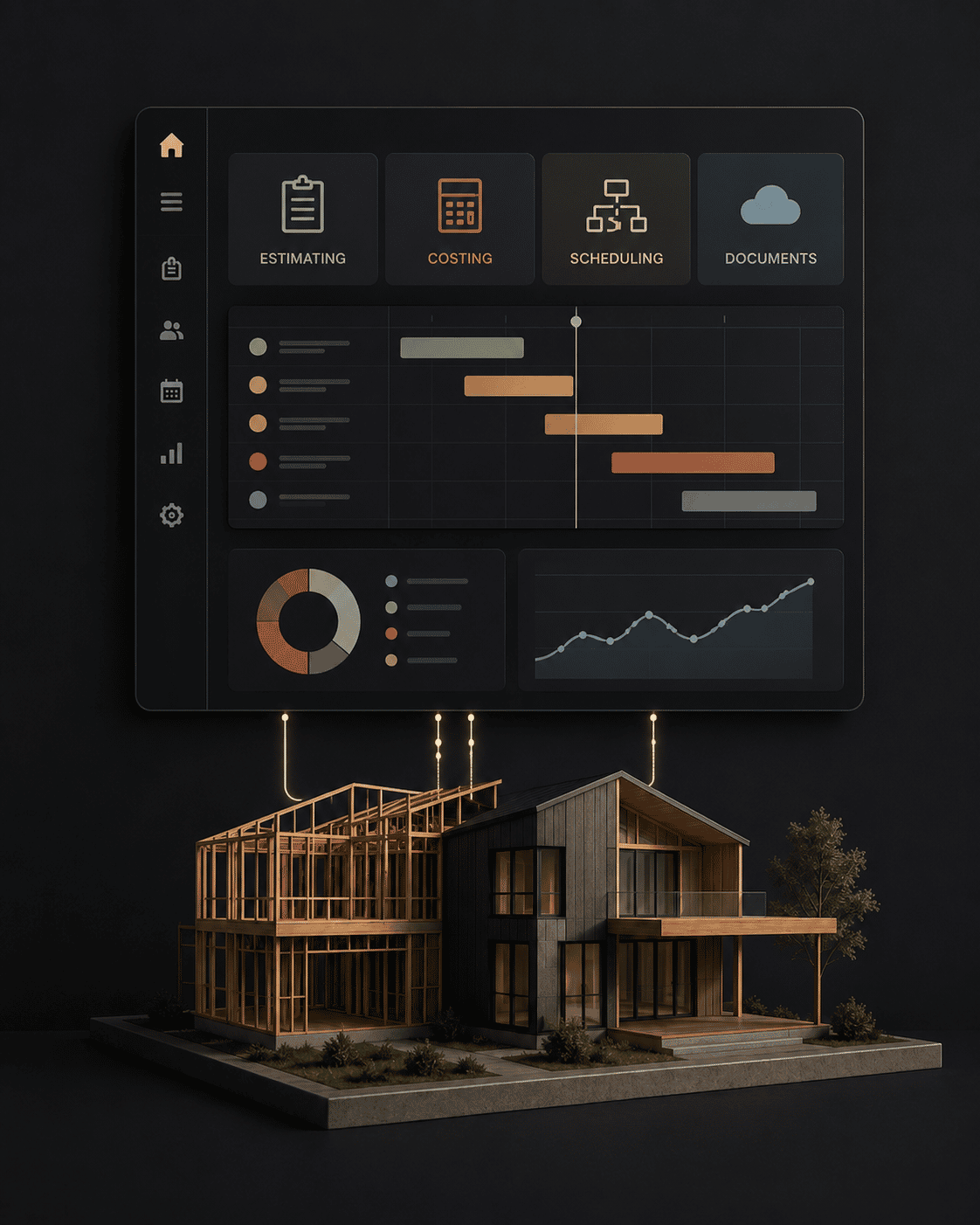
Construction software can help a building business become more organised, but only when it is set up around a clear process.
Many builders sign up for software because they want more control. They want better job visibility, clearer quoting, stronger cost tracking, easier communication and less paperwork. Those are reasonable goals.
The quick answer
Configure Wunderbuild only after the builder has agreed how enquiries, estimates, RFQs, scopes, variations, job costs, documents and approvals should move. Start with one workflow, assign ownership, define the authoritative record and test it on live work before expanding.
The problem is that software does not automatically create the system.
If the workflow is unclear before the software is introduced, the same confusion can simply move into a digital platform. The business may look more organised, but the underlying process can still be messy.
That is why workflow support matters.
Software Is Not The System
Wunderbuild can be a useful tool for builders, but it still needs to be connected to the way the business actually runs.
Software can help store information, organise jobs, track details and create visibility. It cannot decide how your business should handle estimating, RFQs, trade scopes, variations, approvals, job costs or internal responsibilities.
Those decisions need to be made first.
For builders, the important question is not just "What can the software do?"
The better question is:
"How do we want the business to work, and how should the software support that?"
Why Builders Struggle With Software Setup
Builders often struggle with software workflow support for practical reasons.
They are busy. Jobs are already underway. Information is spread across emails, notebooks, spreadsheets, text messages and memory. Every new system feels like another task on top of the work they are already trying to manage.
Common setup problems include:
- unclear job stages,
- inconsistent naming,
- missing templates,
- weak cost categories,
- no standard RFQ process,
- unclear variation workflow,
- poor trade-scope structure,
- too many old habits staying in place,
- no clear decision about what must be entered and when.
When those problems are not solved, software use becomes inconsistent. One job might be set up properly. Another might be half complete. Some information might live in the system, while other information stays in emails or notes.
That makes the software less useful.
What Should Be Set Up First
Before a builder relies on Wunderbuild, the basics should be considered carefully.
Important setup areas include:
- job stages and workflow,
- client and project information,
- estimating or quoting structure,
- RFQ templates,
- trade-scope templates,
- cost categories,
- variation process,
- document storage,
- approval steps,
- reporting or review habits.
The aim is to make the software reflect the way the builder wants to manage real jobs.
If the setup is too generic, it may not help when the pressure is on.
Workflow Comes Before Features
It is easy to get distracted by software features.
Features matter, but workflow matters more.
For example, a variation feature is only useful if the business has decided:
- when a change becomes a variation,
- who records it,
- what information is required,
- how it is priced,
- how it is approved,
- how it affects the job budget.
Without that workflow, the feature is just a place where information might go.
The same applies to RFQs, cost tracking, documents, scheduling and communication. The process needs to be clear enough that the software can support it.
Keep The First Version Usable
Builders do not need to build the perfect software setup on day one.
In fact, trying to set up everything at once can create confusion. A better approach is to start with the areas that will reduce the most pressure:
- job setup,
- RFQs,
- trade scopes,
- variation tracking,
- cost visibility,
- document control.
Once those are working, the system can be improved.
The goal is not to use every feature. The goal is to make the business easier to run.
Workflow Support Is Also Behaviour Change
Software workflow support is not only a technical task.
It is also a behaviour change.
The builder and team need to know what information goes into the system, when it goes in, who is responsible and how often it is reviewed.
If the system is not used consistently, the information becomes unreliable. Once people stop trusting the information, they usually go back to old habits.
That is why the setup needs to be practical. It has to work in the real rhythm of a building business, not just look neat in a demo.
Before configuring Wunderbuild
- Map the current workflow and the failure it needs to prevent.
- Agree the trigger, owner, required information, record and next action.
- Decide naming, job stages, cost structure and document rules.
- Choose one workflow for the first live test.
- Train the people responsible and set a review point.
- Keep only the fields and steps that improve control.
Ground Floor’s role is builder-business process and workflow support. Product availability, features and platform support remain matters to confirm with Wunderbuild; the software should be tested against the builder’s own requirements.
When To Get Help
It may be worth getting help with Wunderbuild workflow support if:
- you have signed up but are not using it consistently,
- jobs are still being managed from spreadsheets and memory,
- RFQs or trade scopes are unclear,
- variations are not being captured properly,
- cost tracking is hard to trust,
- the setup does not match how you actually work,
- you are not sure what the workflow should be.
The earlier those issues are addressed, the easier it is to build the right habits.
Ground Floor And Wunderbuild
Ground Floor helps builders think through the business process behind the software.
That means looking at how estimating, RFQs, trade scopes, variations, cost tracking and job workflow should actually operate, then helping shape the setup around that.
If you are using Wunderbuild, or considering it, the aim is not just to get the software turned on. The aim is to make it useful.
Related Ground Floor reading:
- Wunderbuild workflow and support
- Cost control strategies for builders
- Next steps for early-stage builders
Get Help With Wunderbuild Workflow and tell us where your Wunderbuild workflow is getting stuck.